Studio rental can mean several different things. Some bookings provide the space and its basic amenities, while others include a recording setup or a crew to run production. Knowing what is included before you arrive helps you choose the right option and book enough time.
Choose the space around your project
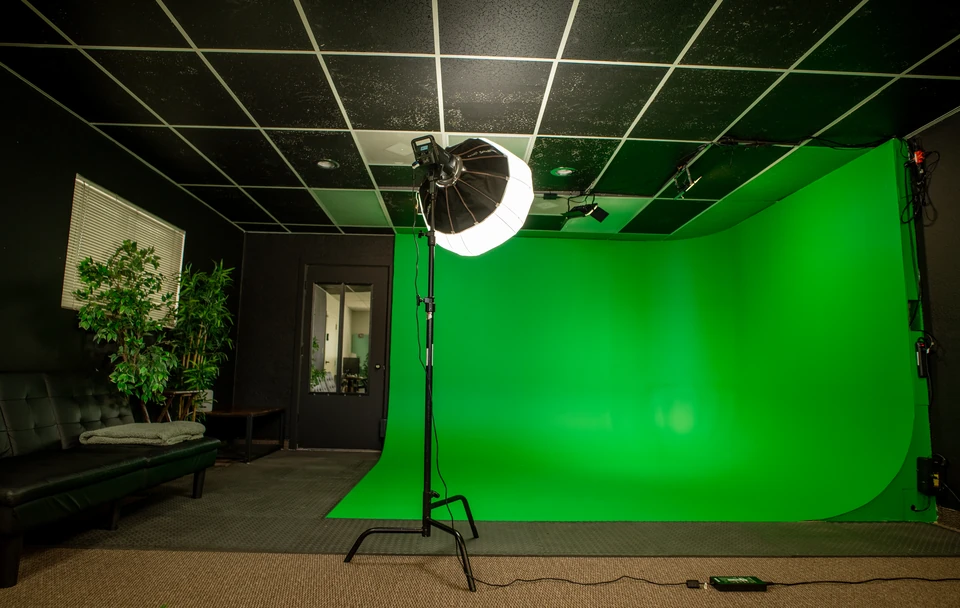
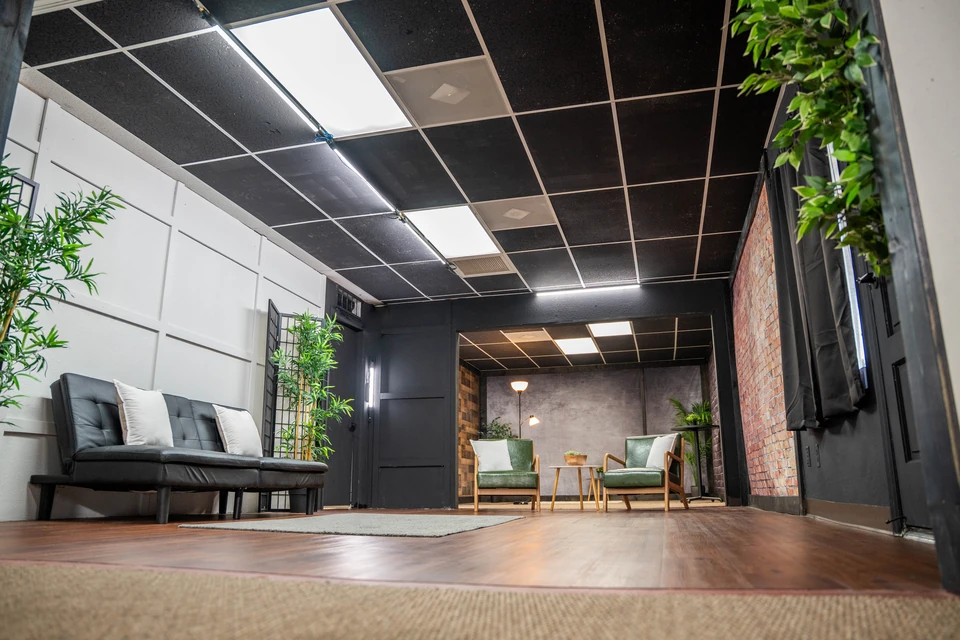
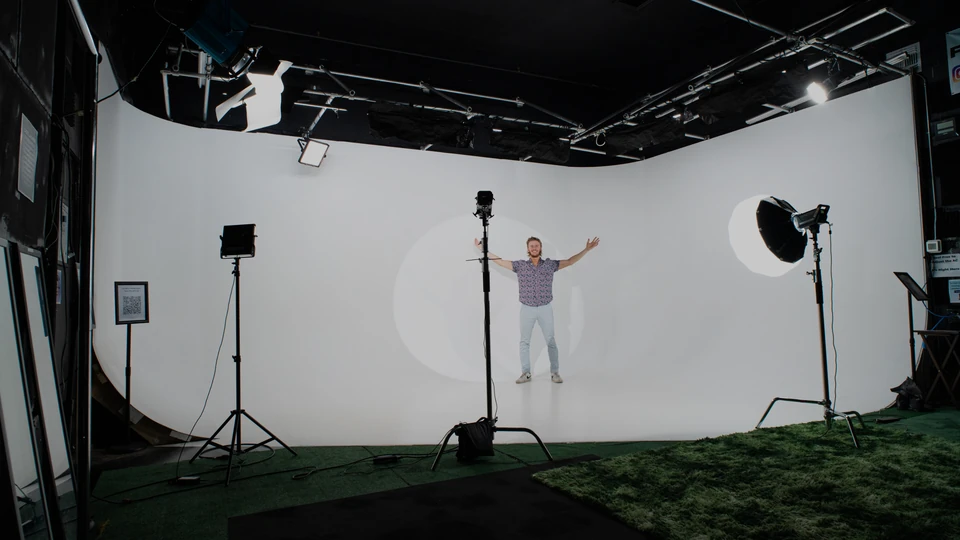
A white cyc wall gives photos and video a clean background that can be lit for many styles. A flexible set works for interviews, product shoots, creator content, and changing backdrops. A green screen is useful when you plan to replace the background during editing. Voyage Pro offers White Cyc, Flex Studio, and Green Screen options in Tempe.
Space rental versus content recording
Do not assume that a room rental includes a videographer or finished video. A self-serve recording add-on may fit creators who want a recording setup without a full production crew. If you need someone to direct interviews, operate cameras, manage multiple shots, or edit a finished video, ask about filming services separately.
What equipment should you verify?
Confirm the available lights, stands, microphones, backgrounds, power access, and monitoring before booking. Equipment and add-ons can vary by studio and package. If your shoot requires a teleprompter, check the service requirements before reserving: at Voyage Pro, teleprompter use is offered with filming services rather than as a standard self-service rental item.
How much studio time should you book?
Plan for load-in, lighting, camera setup, wardrobe changes, filming, and cleanup. A short on-camera segment can still require considerable preparation. Voyage's studios have a two-hour rental minimum, so build your shot list around that window and account for any weekend pricing differences when checking availability.
What to bring on rental day
Bring the products, props, outfits, script, shot list, storage media, and specialized equipment your project needs. Confirm your team's headcount and whether you need access to a changing or staging area. Keep the schedule realistic: several looks or backgrounds take longer than one locked-off setup.
Which studio should you choose?
Choose the White Cyc when an uninterrupted white look is central to the shoot, the Flex Studio when you need multiple looks or a controlled interview environment, and Green Screen when you plan to composite a different background in post-production. You can compare the studio options and ask our team about availability and add-ons before you reserve.