
A content day is a planned shoot that captures several marketing assets at once. For many companies, this means interviews for website videos, supporting footage, short social clips, and sometimes photography. It works best when the final deliverables determine the schedule.
List the final videos first
Decide whether you need a company overview, service explainers, team introductions, customer stories, recruiting clips, or short answers to common questions. Identify which formats matter most and where each piece will be published. A homepage video has different needs from a short vertical social clip.
Prioritize what must be filmed
Pick a manageable number of essential deliverables, then keep extra topics as optional content. Do not assume a long list of scripts automatically fits into a short shoot. Repositioning lights, switching microphones, changing wardrobe, and moving between rooms all use filming time.
Create an efficient schedule
Group content by people and setups. Record several interview answers while the lighting and audio are ready, then capture related b-roll in the same area. Reserve blocks for equipment setup, rehearsals, breaks, and transitions. If people have limited availability, schedule their segments together rather than spreading appearances throughout the day.
Prepare scripts or interview prompts
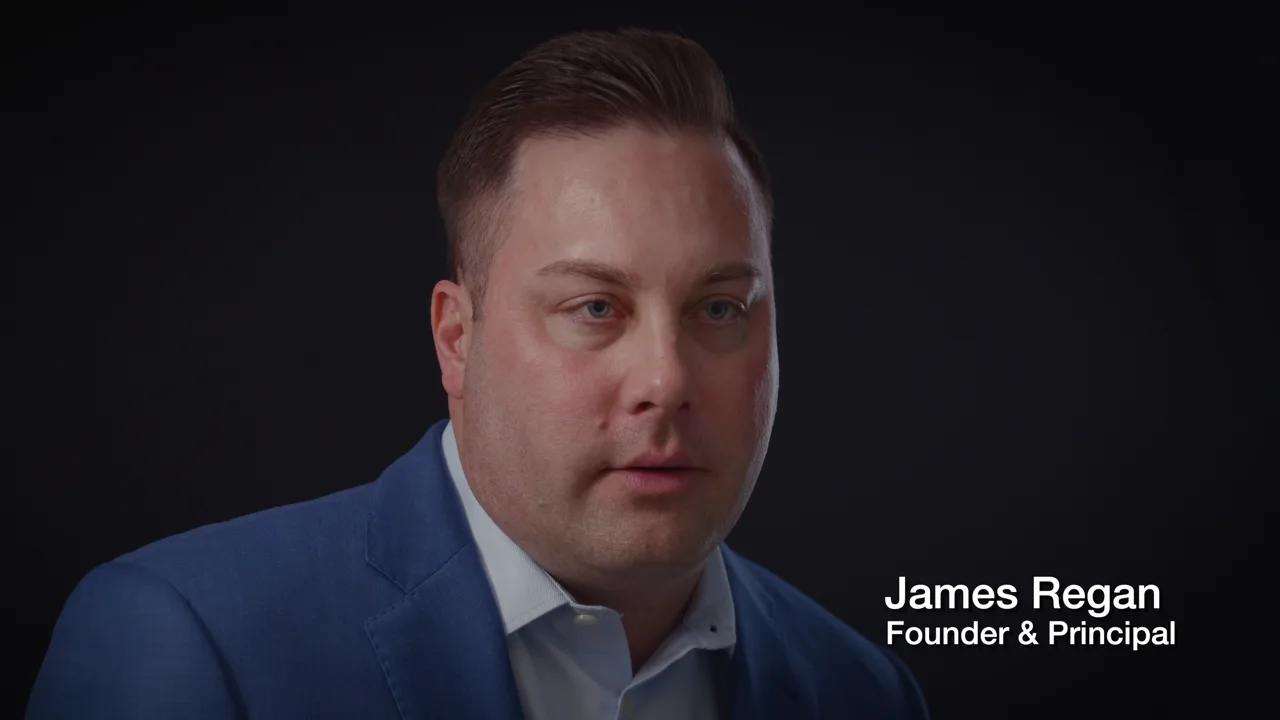
Some speakers prefer a written script; others are more natural answering questions. Use clear prompts that encourage complete answers, such as what the business does, who it serves, or what clients can expect. Prepare a separate list of short topics for social clips, even if longer interview footage might later be edited into shorter segments.
Don't forget supporting footage
Show the actual product, work, environment, and team rather than relying only on people speaking to camera. Create a shot list with workplace details, demonstrations, customer interactions where permitted, tools, and team activities. Make sure the right staff members and props are present.

Plan horizontal and vertical filming
A wide website shot may crop awkwardly to a vertical phone screen. Decide in advance which videos need dedicated vertical capture and which can be adapted from a horizontal frame. Leave enough space for captions, lower-thirds, and other graphics. The final formats should be included in the editing scope.
Choose an appropriate location
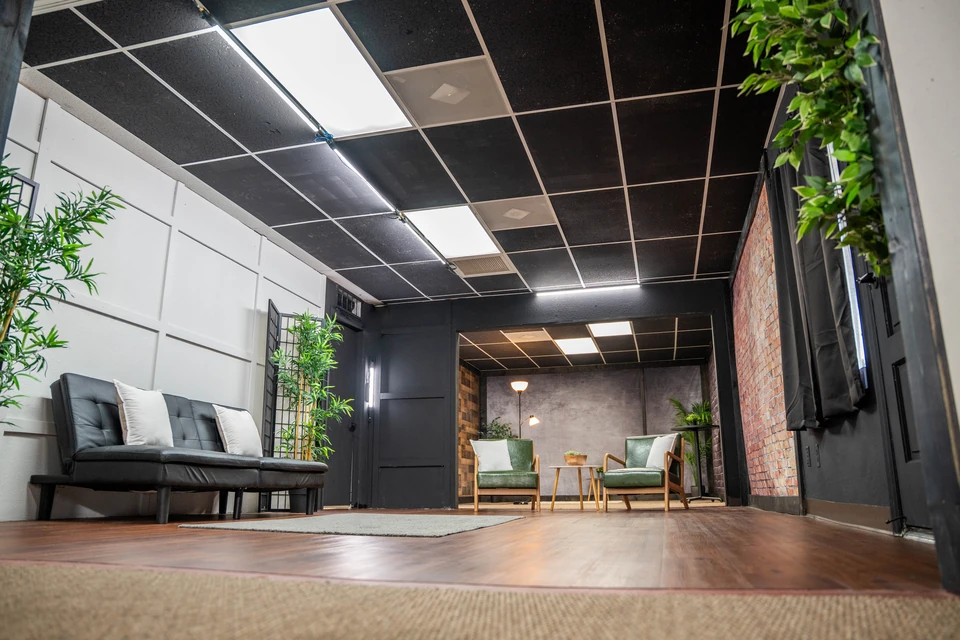
Filming at your office can show the real business but may introduce interruptions or noisy backgrounds. A controlled set, such as Voyage Pro's Flex Studio in Tempe, may be a better fit for interviews and repeated talking-head recordings. A combination of locations can work, but allow for travel and setup time.
Budget for post-production
A full filming day can produce many hours of footage. Turning that footage into several finished videos requires editing, audio cleanup, color work, captions or graphics, review, and exports. Specify the expected number and lengths of edits before booking, and identify who will provide consolidated feedback.
Plan where the content goes next
Assign each deliverable to a website page, email campaign, recruiting post, or social publishing calendar. An organized release plan makes the footage more useful. For a related example, see the Valor Legacy Wealth project and our guide to company overview videos. Contact Voyage Pro to build a content-day shot list.